In-House Training Facilities
Training Rooms
Professional training facilities for hands-on REALTIMME training. Accommodating groups from 5 to 50 users with modern equipment and comfortable learning environments.
Our Training Facilities
Professional spaces designed for effective learning and collaboration
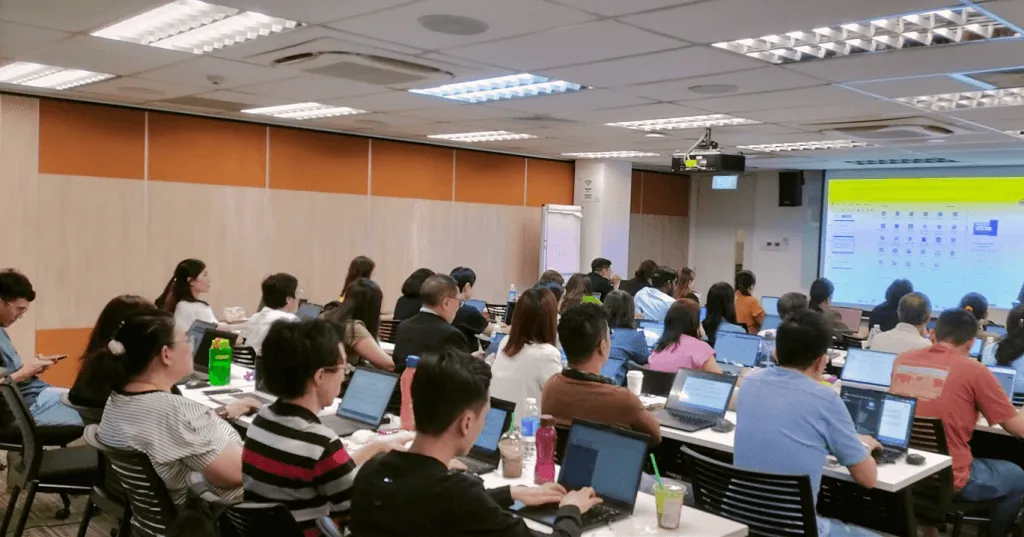
Training Room
Up to 50 users
Spacious training room equipped with modern facilities for group training sessions. Perfect for comprehensive REALTIMME training workshops.
Features:
- Modern presentation equipment
- Comfortable seating
- High-speed internet
- Projector and screen
- Whiteboard facilities
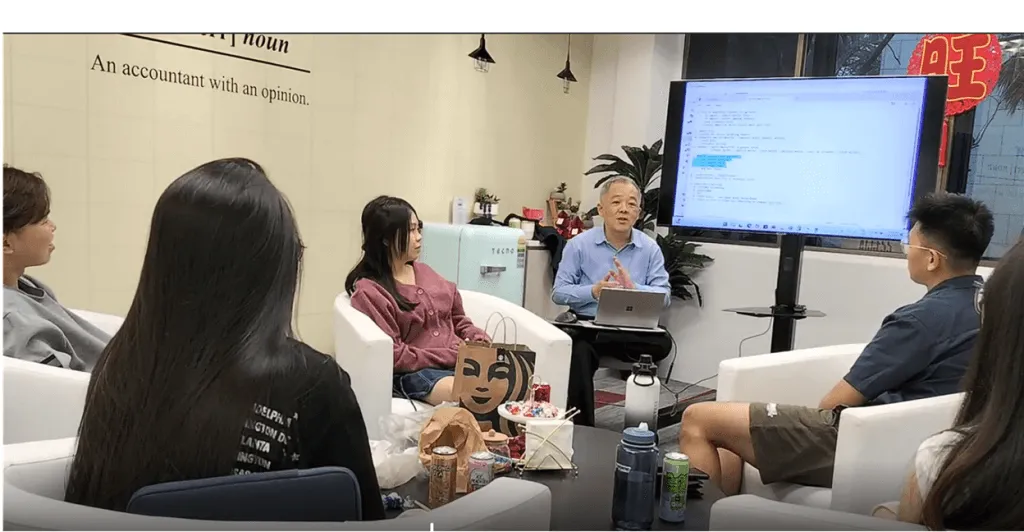
Consultation Room
Private Sessions
Private consultation room for one-on-one training, support sessions, and personalized guidance on REALTIMME features.
Features:
- Private and quiet environment
- One-on-one consultation
- Personalized training
- Focused learning
- Flexible scheduling
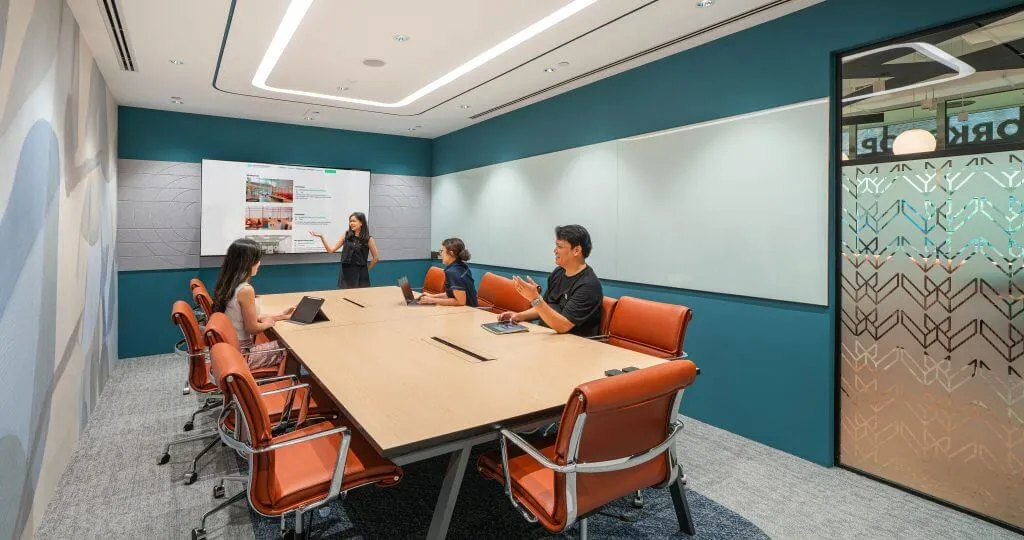
Meeting Room
Up to 10 users
Meeting room for small group meetings and discussions. Perfect for small group training sessions.
Features:
- Private and quiet environment
- One-on-one consultation
- Personalized training
- Focused learning
- Flexible scheduling
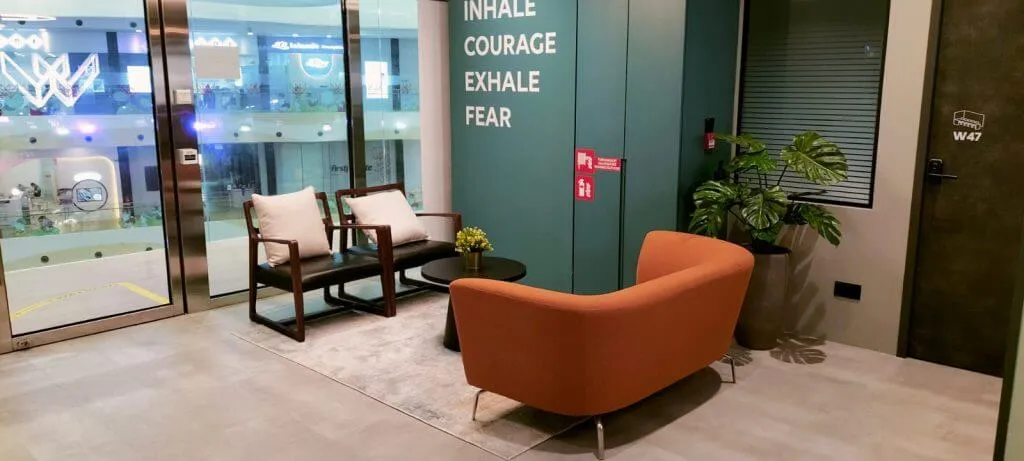
Meet Up Lounge
Networking & Breaks
Comfortable lounge area for networking, coffee breaks, and informal discussions during training sessions.
Features:
- Comfortable seating
- Refreshments area
- Networking space
- Informal discussions
- Break-out sessions
Training Information
Everything you need to know about our in-house training sessions
Group Sizes
Small Group
5 usersIntimate training sessions for focused learning
Standard Group
Up to 50 usersComprehensive training for larger teams
Training Requirements
- Bring your own notebook/laptop
- Able to login to REALTIMME Cloud before training
- Basic understanding of accounting principles (recommended)
How to Book Training
Request Quote
Contact us to request a quote for in-house training. We'll provide pricing based on your group size and training needs.
Confirm Training
Review the quote and confirm your training session. Fee is payable upon confirmation of training.
Schedule Session
Our training facilitator will coordinate the date and time that works best for your team.
Attend Training
Come prepared with your notebook and login credentials. We'll provide hands-on training tailored to your needs.
Ready to Schedule Training?
Contact us to request a quote for in-house training. Our training facilitator will coordinate the date and time that works best for your team.